
Google Authenticator provides an additional security layer to protect your phone.
Google Authenticator strengthens your online account security by introducing a second verification step during sign-in.
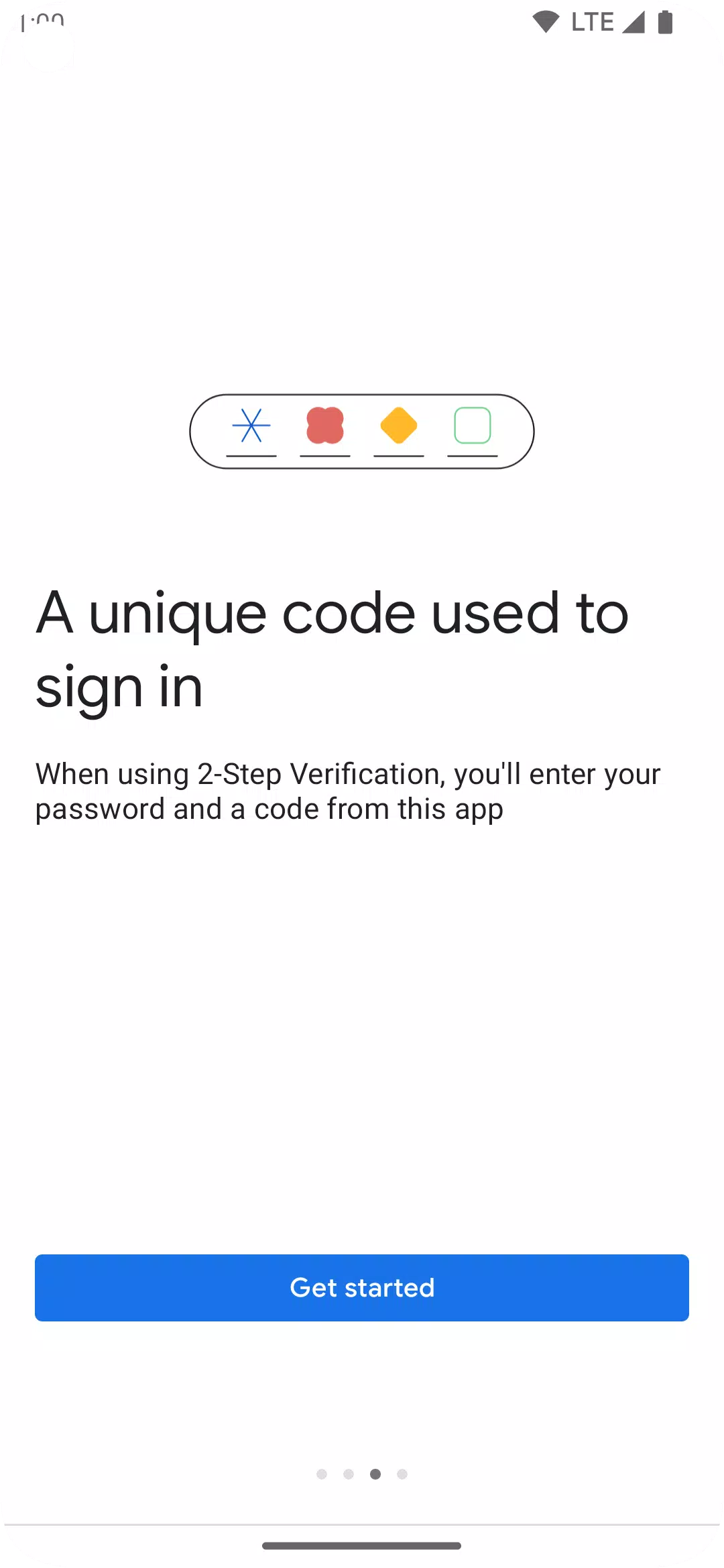
This extra security measure means you'll need to provide a unique code from the Google Authenticator app on your phone, in addition to your regular password.
The verification codes are generated by the app on your phone, which works even without an internet or cellular connection.
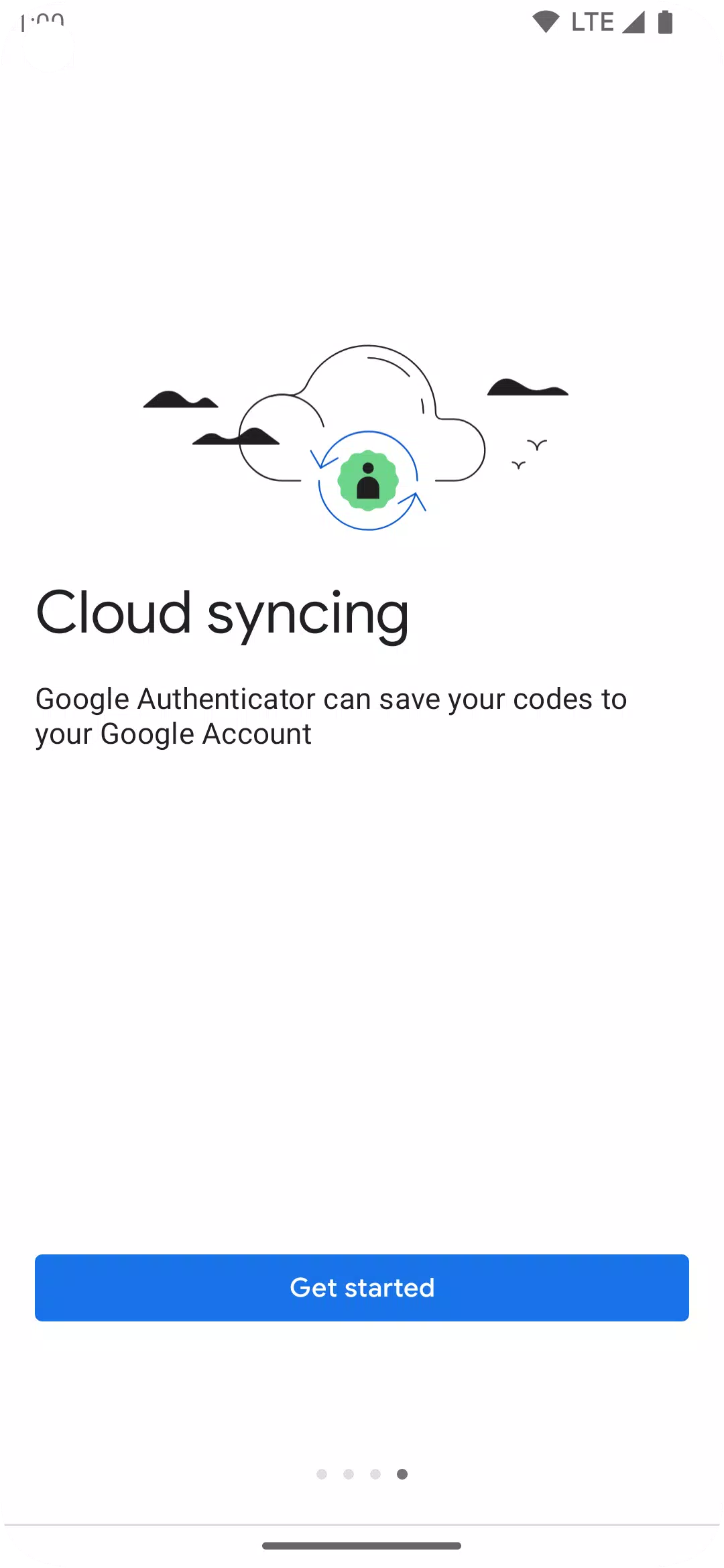
* Sync your Authenticator codes to your Google Account and across your devices. This ensures continuous access, even if your phone is lost.
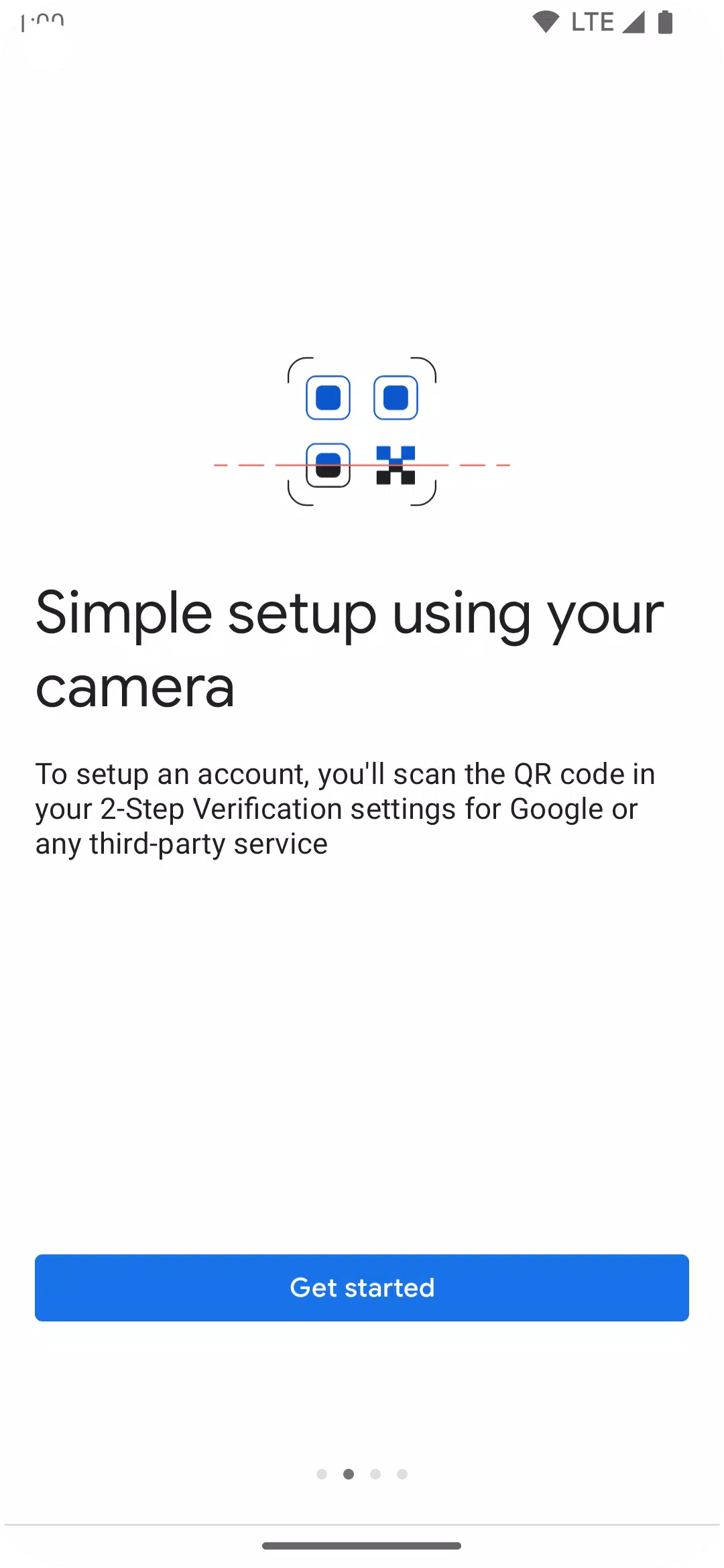
* Effortlessly set up accounts using QR codes. This fast and simple method ensures your codes are configured accurately.
* Manage multiple accounts within the app, eliminating the need to switch between different applications for sign-in.
* Supports both time-based and counter-based code generation, allowing you to select the method that fits your requirements.
* Easily transfer accounts between devices using a QR code. This provides a convenient way to migrate your accounts to a new phone.
* To use Google Authenticator with Google, you must first enable 2-Step Verification for your Google Account. Begin by visiting http://www.google.com/2step
Permission Notice:
Camera: Required for adding accounts via QR codes
What's New in the Latest Version 7.0
Last updated on Aug 29, 2024
* Cloud Syncing: Your Authenticator codes can now be backed up and synced to your Google Account across devices, ensuring access if your phone is lost.
* New Icon and Illustrations: The app features a refreshed, modern icon and updated, more user-friendly illustrations.
* Enhanced UX and Visuals: We've improved the app's usability and visual design for a better overall experience.