Google Translate is Google's official application that enables translation across more than 100 languages, including widely used language pairs such as English to Chinese and English to Spanish. It offers offline functionality through downloadable language packs, allowing translations without an internet connection to ensure convenience wherever you are.
Translate Accurately Across a Broad Range of Languages with Google Translate:
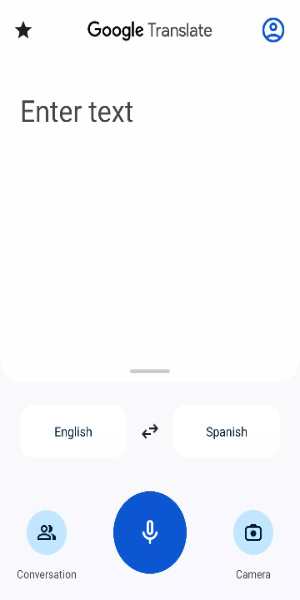
• Text Translation: Quickly translate text by typing directly into the app between 108 supported languages.
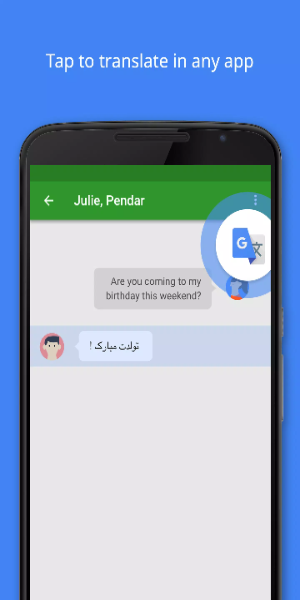
• Tap to Translate: Copy text in any application and tap the Google Translate icon to get an instant translation into your chosen language.
• Offline Translation: Translate without an internet connection for 59 languages, perfect for travel or areas with limited connectivity.
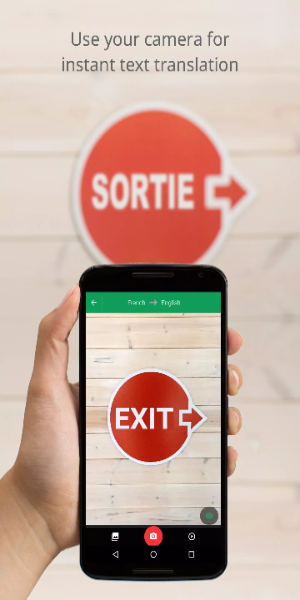
• Instant Camera Translation: Point your camera at text in real time to get instant translations for 94 languages.
• Photo Translation: Take or upload a photo to receive accurate translations in 90 languages.
• Conversation Mode: Have bilingual conversations translated on the spot with support for 70 languages.
• Handwriting Recognition: Draw text characters by hand instead of typing for translation in 96 languages.
• Phrasebook: Save and star your favorite translations and phrases for easy access across all languages.
• Cross-Device Syncing: Sign in to sync your saved phrases between the mobile app and desktop version.
• Transcribe: Get near real-time translation of spoken words for 8 languages, enabling smooth, live communication.
Google Translate May Ask for Permission to Use These Features:
• Microphone Access: Needed for speech translation, so you can translate spoken words and phrases.
• Camera Access: Used to translate text in images via your camera for immediate visual translations.
• SMS Access: Allows translation of text messages for seamless cross‑language communication.
• External Storage: Lets you download offline language data to translate without an internet connection.
• Accounts and Credentials: Used to sign in and sync your translation history and preferences across devices for a personalized experience.
How to Install:
- Download the APK: Get the APK file from a trusted source, such as 40407.com.
- Enable Unknown Sources: Open your device’s settings, go to Security, and allow installations from unknown sources.
- Install the APK: Find the downloaded APK file and follow the on‑screen instructions to install it.
- Launch the App: Open the app and start translating right away.