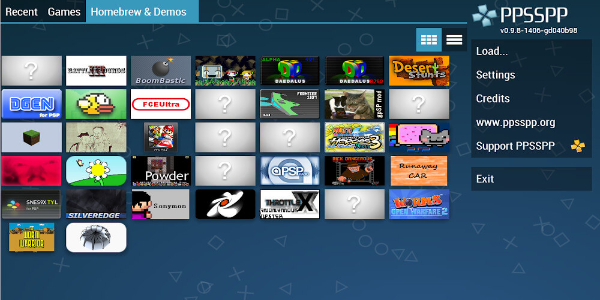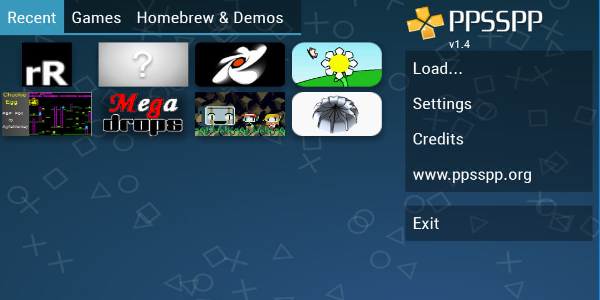
PPSSPP Gold is a must-have PSP emulator app that lets you enjoy PSP games in stunning high definition on your Android phone or tablet. Effortlessly manage and update your game collection, while benefiting from regular bug fixes and performance optimizations. Featuring intuitive controls and consistent updates, it delivers a smooth, console-like gaming experience right in your pocket.

Overview
Playing your favorite PSP games on a smartphone or tablet is a fantastic experience, especially when you have PPSSPP Gold installed. This app’s functionality is straightforward: you’ll manage your game library manually and receive ongoing updates that enhance performance, improve quality, and fix bugs to ensure the best possible gameplay.
The Quality of Games is Guaranteed
The latest version of PPSSPP Gold includes various tweaks to elevate your gaming sessions. A key highlight is the ability to play your favorite titles in HD, offering more stable visuals. Issues related to graphical effects and online connectivity in certain games have been resolved, so you can play with confidence.
The app also introduces a new “Low resolution for effects” option, which works exactly as described, giving you more control to optimize performance. You can even configure in-game messaging settings to prevent any impact on your device’s speed.
Saving your progress is crucial, especially for longer games you can’t finish in one sitting. Previous versions sometimes had issues with save states in titles like Assassin’s Creed: Bloodlines, but those have been improved. Now you can safely save and resume your adventure anytime, anywhere.
Experience Any PSP Game
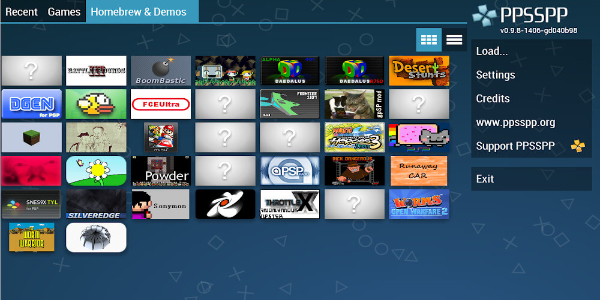
PPSSPP Gold delivers a comprehensive gaming experience with a clean, user-friendly interface. When you first launch the app, head to the settings to adjust performance options tailored to your device.
Make sure to check the update notes for each release, as they often list fixes for graphics, audio, or core functions. Following these recommendations will give you a smoother experience. The app also supports features that replicate a true console feel, including compatibility with external controllers.
Play Any of These Games You Want
You can expand your game library manually by sourcing ROM files from the web and opening them with PPSSPP Gold. This brings a huge catalog of classic PSP games to your device. Over time, you may need to manage storage space, but the app gives you full control over where your games are saved—usually on a spacious memory card.
While emulator apps require you to provide game files, PPSSPP Gold makes the process simple. You decide what games to download and where to store them, making storage management a minor consideration.
Operate on Multiple Devices
PPSSPP Gold isn’t limited to smartphones—it’s also optimized for Android tablets. The app adjusts to larger screens, and control schemes are refined for a better experience whether you’re using touch controls or external gamepads.
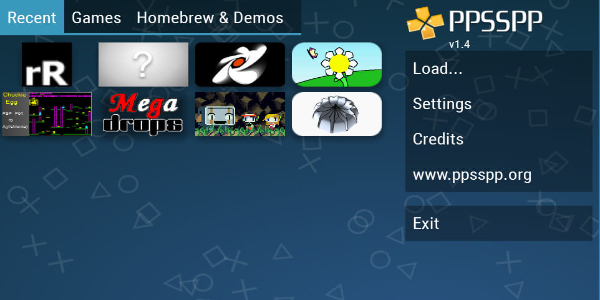
Setting up the emulator involves customizing controls to match your device. PPSSPP Gold supports both on-screen touch controls and external controllers, so you can even connect PlayStation-style gamepads via Bluetooth or USB. Once connected, configure your settings and start playing.
Get PPSSPP Gold APK Now on Your Android
Relive the golden era of PSP gaming with PPSSPP Gold. Enjoy HD graphics, responsive controls, and frequent updates that boost performance and fix bugs. Dive into an extensive library of PSP classics on your mobile device and rediscover your favorite games like never before. Download now and start your portable gaming adventure anytime, anywhere.