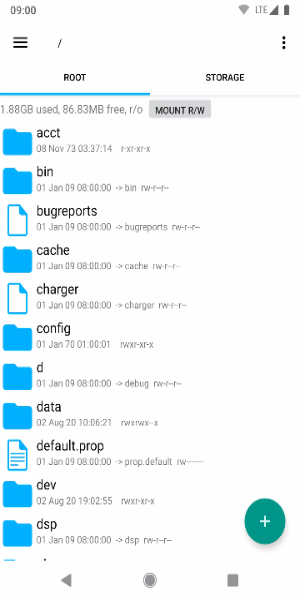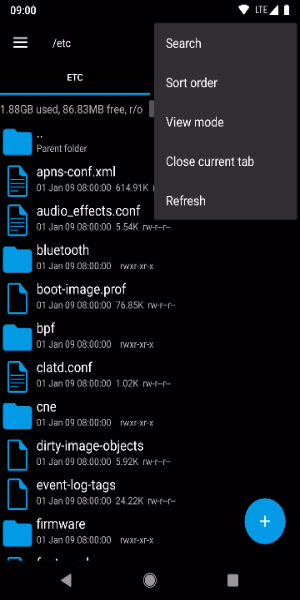
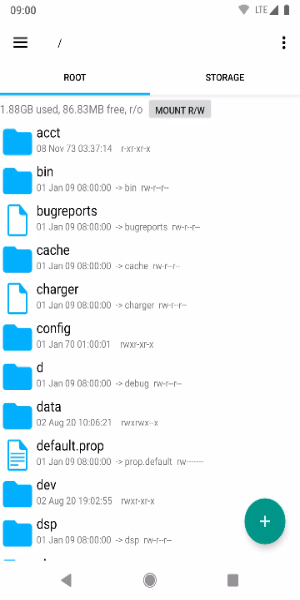
Key Features:
· Root-Level Access: Modify system files and directories with complete administrator privileges for advanced customization.
· Smart File Operations: Easily copy, move, rename, delete or share files with intuitive touch controls.
· Archive Handling: Create and extract ZIP/RAR archives directly on your device without extra apps.
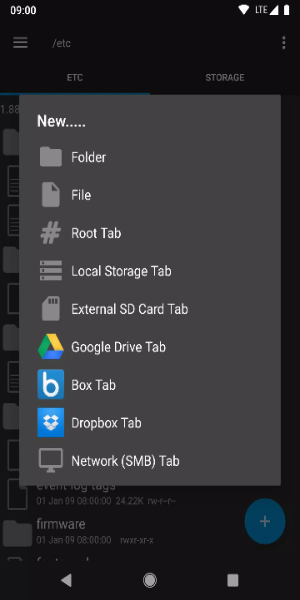
· Cloud Integration: Connect to Google Drive, Dropbox and OneDrive for seamless cloud file management.
· Built-In Tools: View images, documents and text files - plus edit text documents directly in the app.
Required Permissions:
Network access - For cloud service connections only. No data collection occurs.
Account management - Required for Google Drive integration. Doesn't affect existing accounts.
Account discovery - Lets you choose which account to use with Google Drive.
Wake lock - Prevents sleep mode during lengthy file operations.
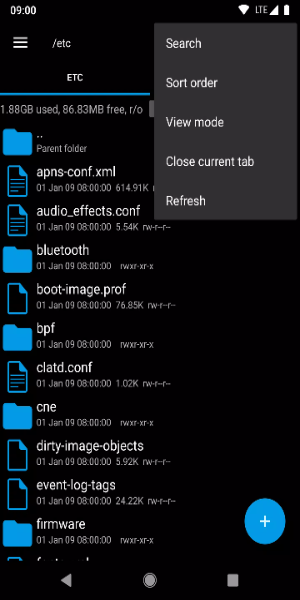
Pro Tips:
- Always back up system files before modifying them
- Use the powerful search function to quickly find files
- Bookmark favorite folders for instant access
- Be extremely careful when changing file permissions
- Keep the app updated for best performance
Get Root Explorer Today
Take complete control of your Android device's file system with Root Explorer's professional-grade tools - perfect for both everyday users and power users who demand advanced functionality.