
Interactive 3D Drawing Reference for Human Figures, Dynamic Poses, and More
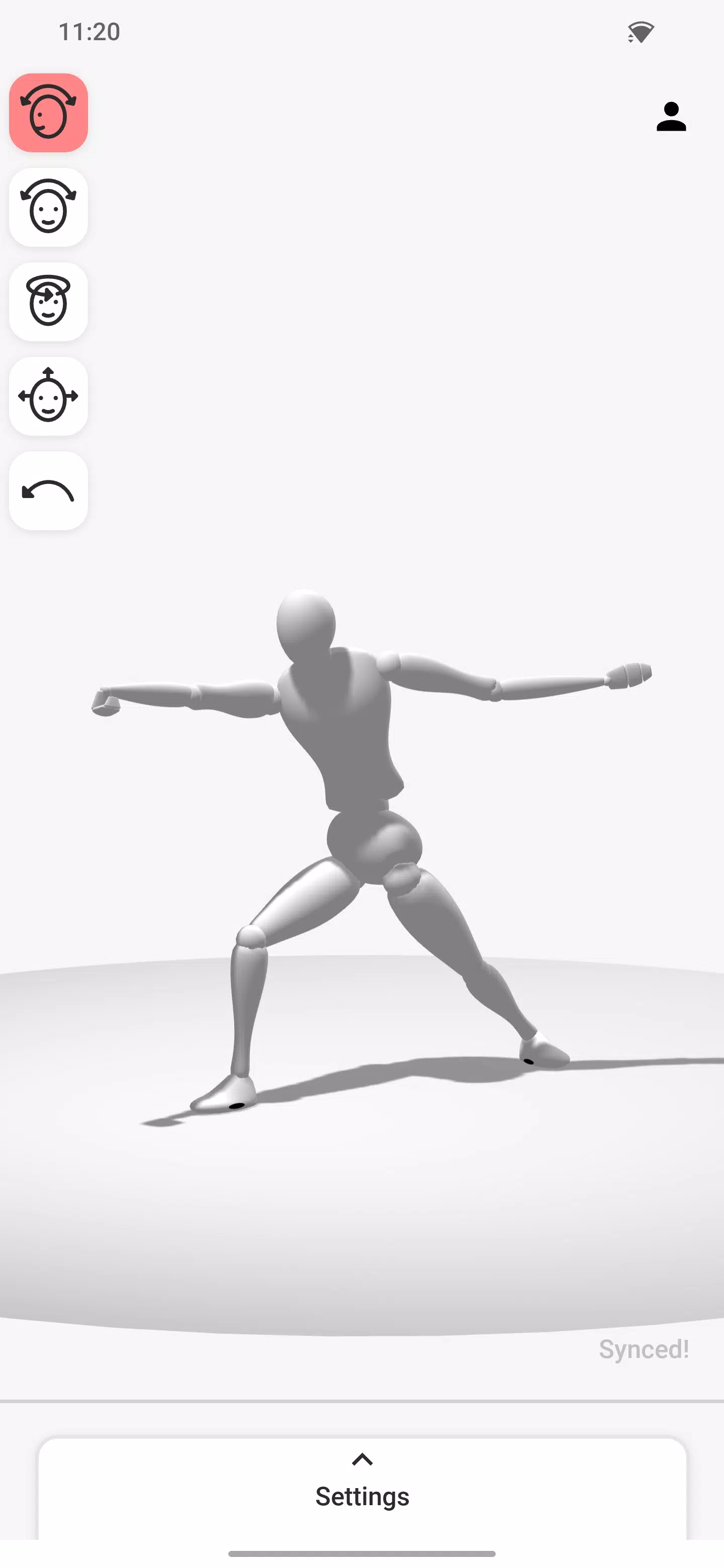
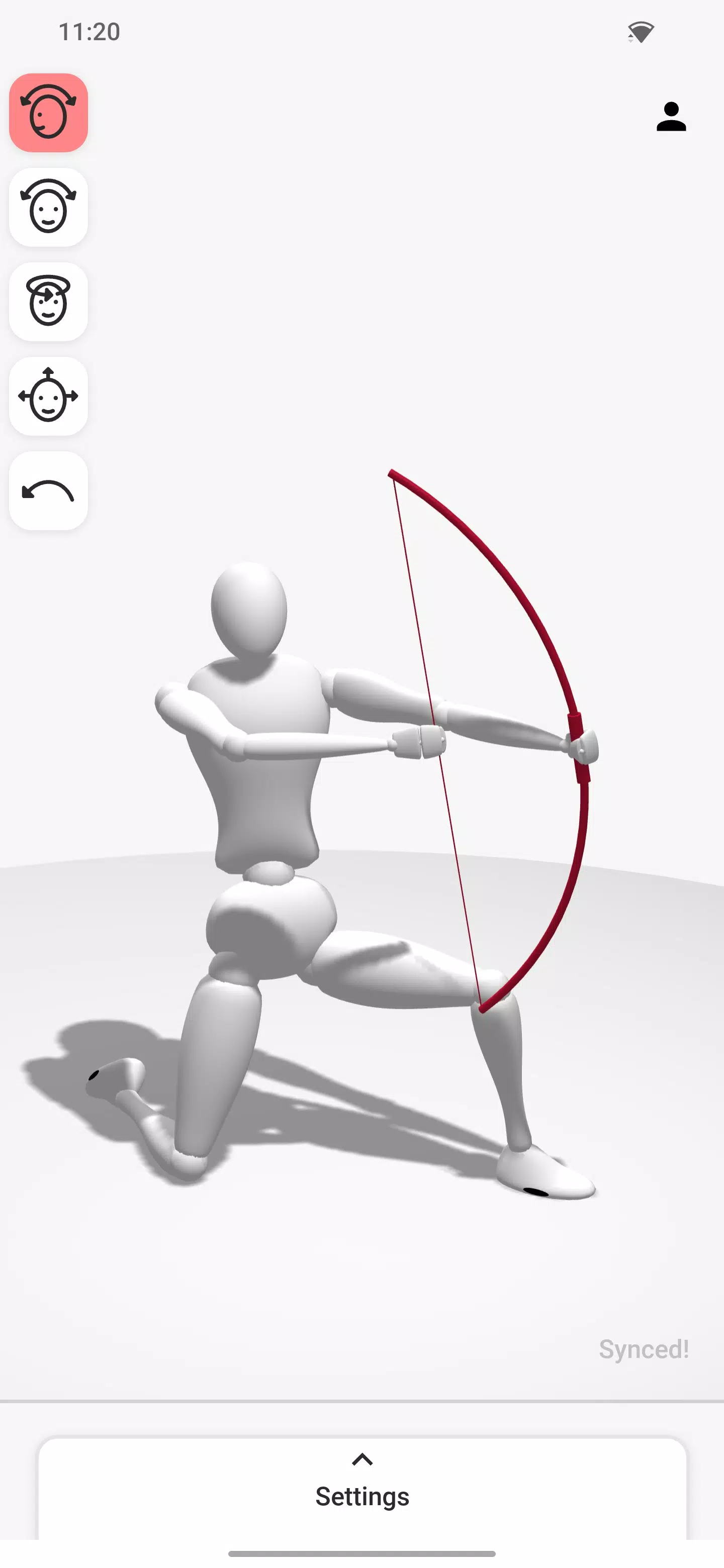
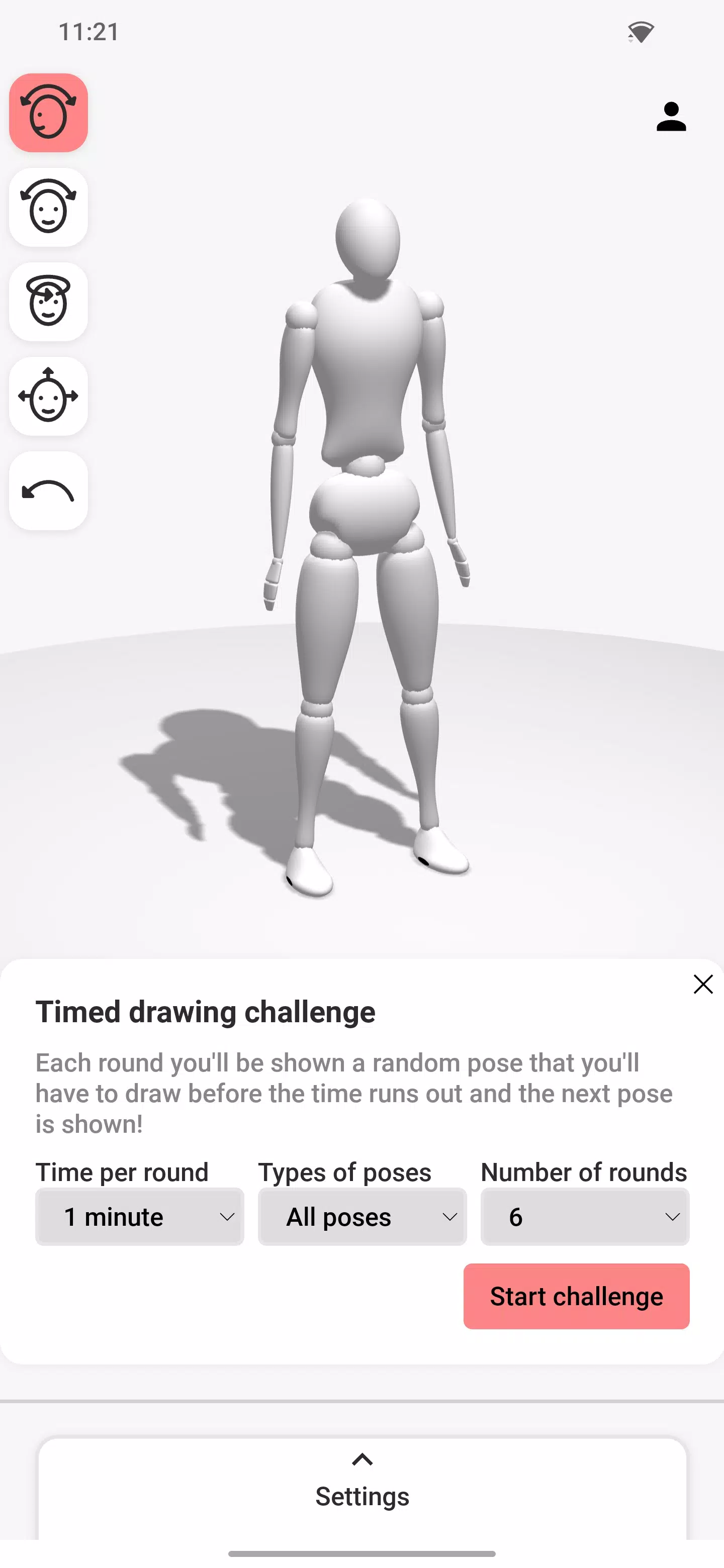
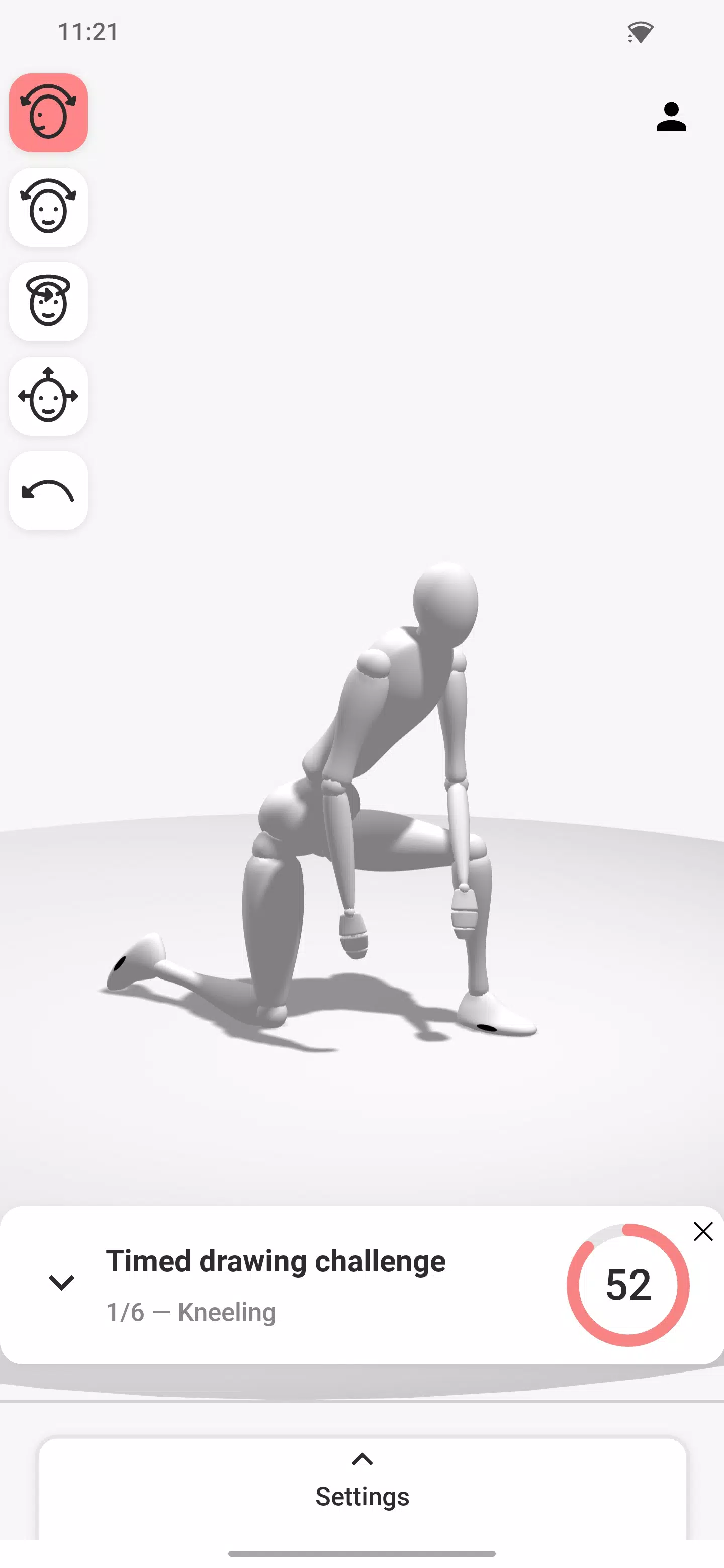
As an artist, you have likely attempted to draw the human body from memory and discovered how challenging it can be. This is especially true for beginners or when tackling more complex figures like dynamic poses that capture the body in motion. Achieving a realistic result requires careful attention to multiple factors, including bone structure, muscles, and anatomical details—all of which are difficult to perfect without guidance. That’s why many artists rely on references when drawing the human form. While images and videos are common, they often lack adjustability. Finding the exact pose you need can be a struggle. This is where adjustable drawing models prove invaluable. Often referred to as drawing mannequins or artist’s figures, these tools are available in most art supply stores. However, traditional wooden mannequins can be costly for beginners and offer limited customization. Fortunately, you can now access the same types of drawing mannequins online, completely free. Interactive drawing models, like the one provided here, are ideal for artists practicing human figures or dynamic poses. Adjust body parts by dragging them, and rotate or reposition using the movement controls on the left. If you prefer not to create a pose from scratch, choose from the preset poses on the right or explore the pose library. From the same menu, you can also select from a variety of props for the model to interact with, adding more depth and interest to your poses.
Start by experimenting with simple poses using the mannequin. This will help you get comfortable with adjusting body parts and using the movement controls on the left side of the screen.
Once you’re familiar with the controls, try incorporating basic props into your scene. For instance, select a chair and use it to practice different sitting poses.
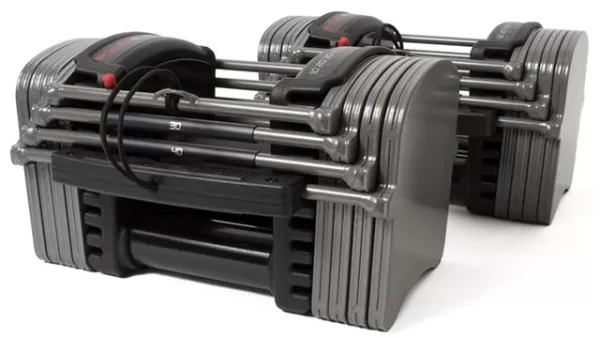
You can also explore more interactive props, such as a barbell or bicycle, to create dynamic and engaging poses.
The prop menu includes a wide selection of hand-held items. Assign them to the model’s left or right hand, and even combine multiple props for a more detailed composition. To take it further, pair a ground prop like the bike with several hand props for a complex, lifelike scene.
What's New in the Latest Version 1.4.0.0
Last updated on Sep 3, 2024
Minor bug fixes and improvements. Install or update to the latest version to explore the changes!
![Silv4Life Design [Blog & Shop]](https://images.p8y8.com/uploads/86/173464747667649eb4baf1c.webp)