
Create, share, and play card games using the Card Game Simulator.
Craft, share, and enjoy card games with the Card Game Simulator!
Design original card games, import custom cards, manage your decks, and play with friends.
All on an intuitive virtual tabletop!
# Create and Share Games:
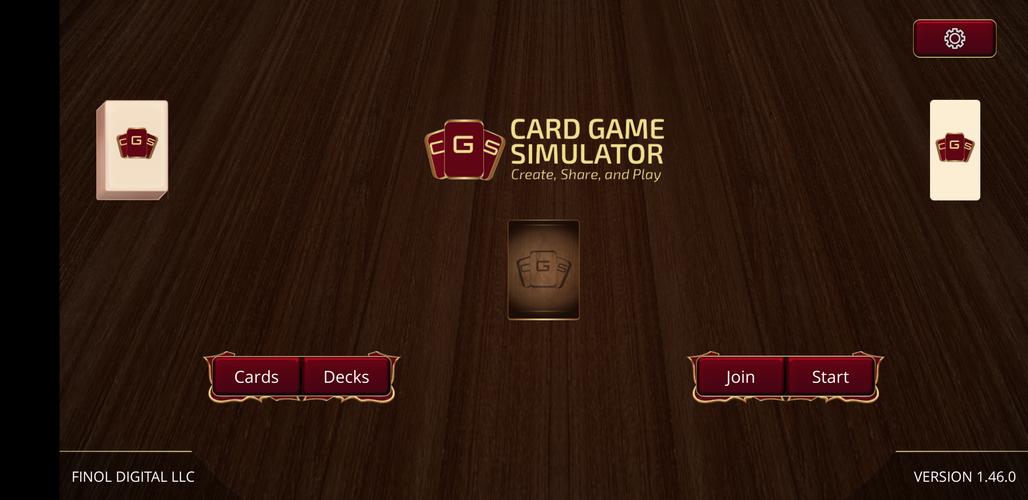
Download more games by clicking the center card game in the Main Menu. Press the download button and enter the CGS AutoUpdate URL for your chosen game.
Enable Developer Mode to easily craft your own games by importing images for custom boards and tables, and designing custom cards and decks.
You can also define custom games by following the Custom Games Documentation on the CGS website.
# Cards Explorer:
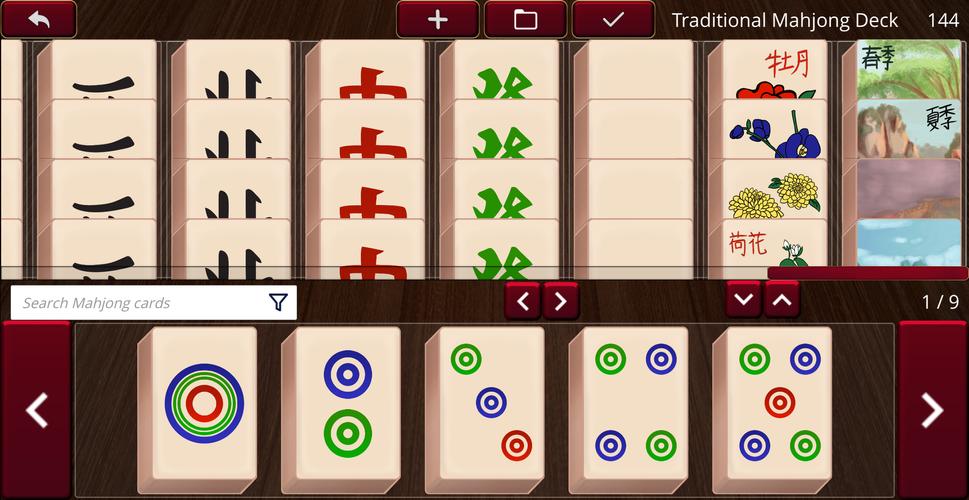
View all cards laid out clearly and search effortlessly, with options to filter by any criteria.
Enabling Developer Mode also allows you to add custom cards here.
# Deck Editor:
While some games include pre-built decks, you can always create new ones by entering card names or using the visual Deck Editor.
Load and edit existing decks, or start fresh with new decks to add and save for later use.
# Multi-player:
Create online rooms with optional passwords to ensure only your friends can join your game.
Play over a LAN or over the internet.
# Single-player:
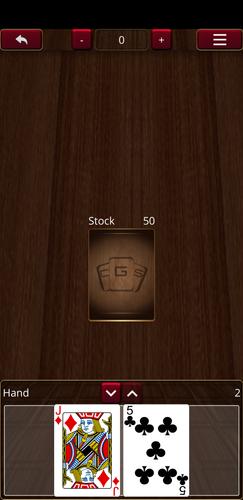
Start a game instantly to play solo or with friends in hot-seat style.
# Key Features:
- An online sandbox with unlimited games to play your way.
- Design and play your original games.
- Play just like in real life; pick up, rotate, and flip any card.
- Play online with up to 10 people on the same table.
- Save, load, and share decks.
- Multiple "drawers" enable local play on the same computer with friends.
- Default games include Standard French-Suited 52-card decks, Dominoes, and Mahjong.