Screen Time Management, App and Website Blocker & Monitoring, and Location Tracking
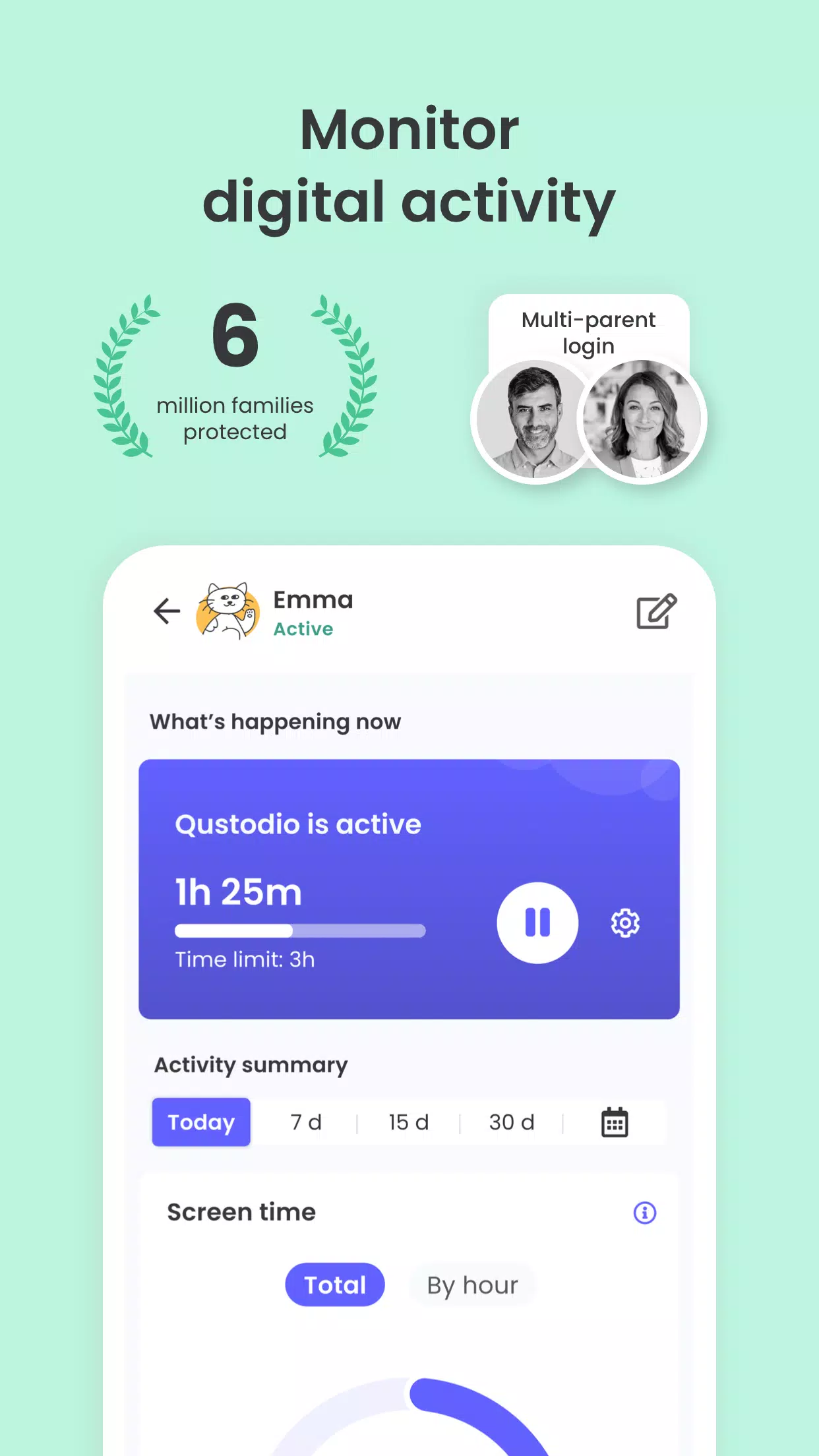
Recognized as an Editor’s Choice by PC Mag, the Qustodio Parental Control App simplifies parenting with daily screen time controls, app monitoring (covering social media and YouTube), app blocking, child location tracking, family mode, porn blocking, and more.
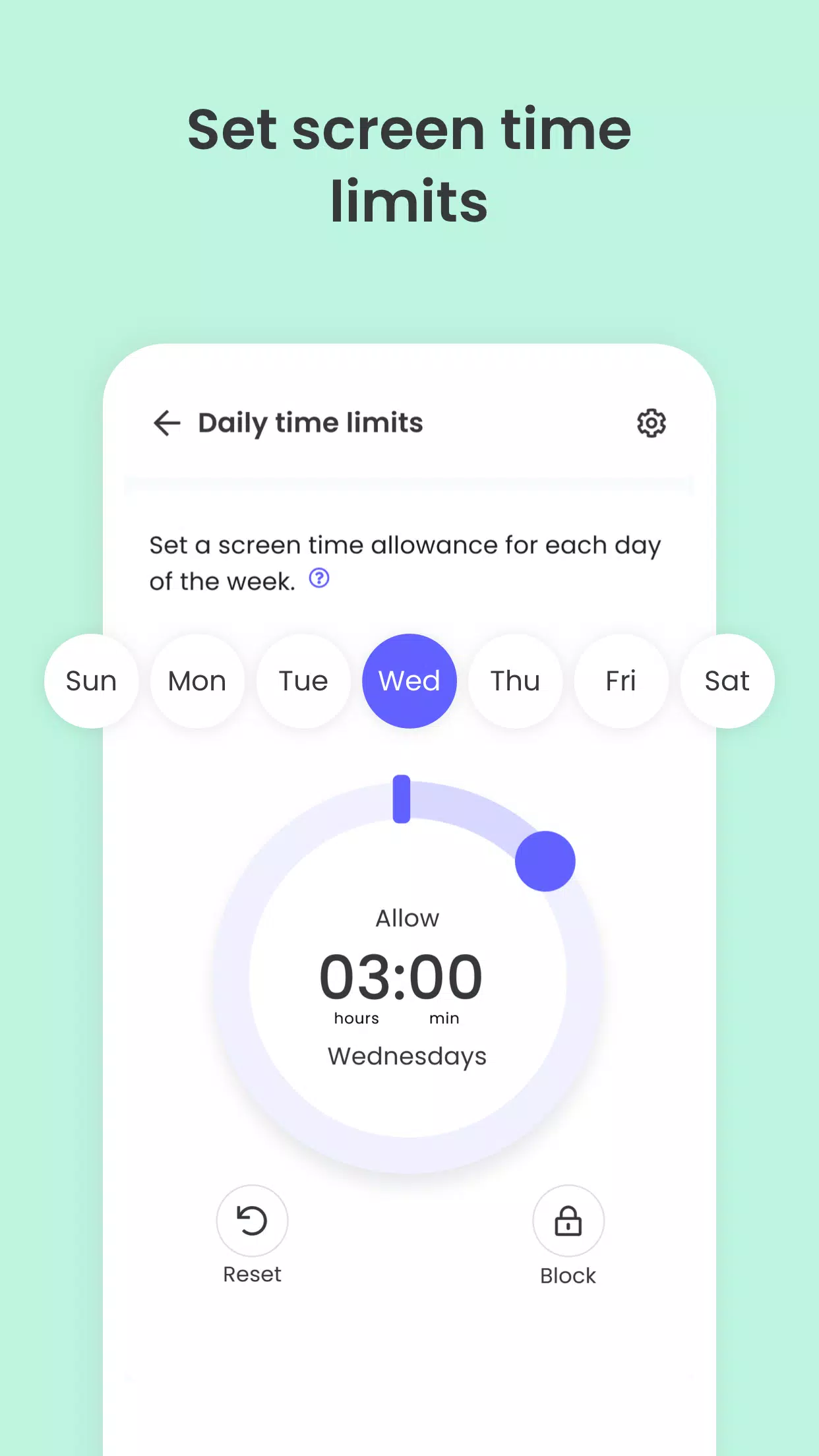
- Screen Time Control: Automatically locks the device once the allotted time is used up
- Block, Monitor & Parental Filter: Monitors and manages your child's internet access, including sensitive and adult content filtering
- Family Locator & GPS Family Tracker: Tracks your child's phone and shares their real-time GPS location with you
Begin by installing the Qustodio Parental Control App on your own device. Then add the Qustodio Kids App to your child's devices. Combined, these applications let you effortlessly manage your child’s daily screen time across connected mobile phones, tablets, and computers—compatible with Android, iOS, and other major platforms.
Keep your child safe online
✓ Filter websites (block games, pornography, gambling, and unwanted content)
✓ Get alerts about web activity and blocked sites
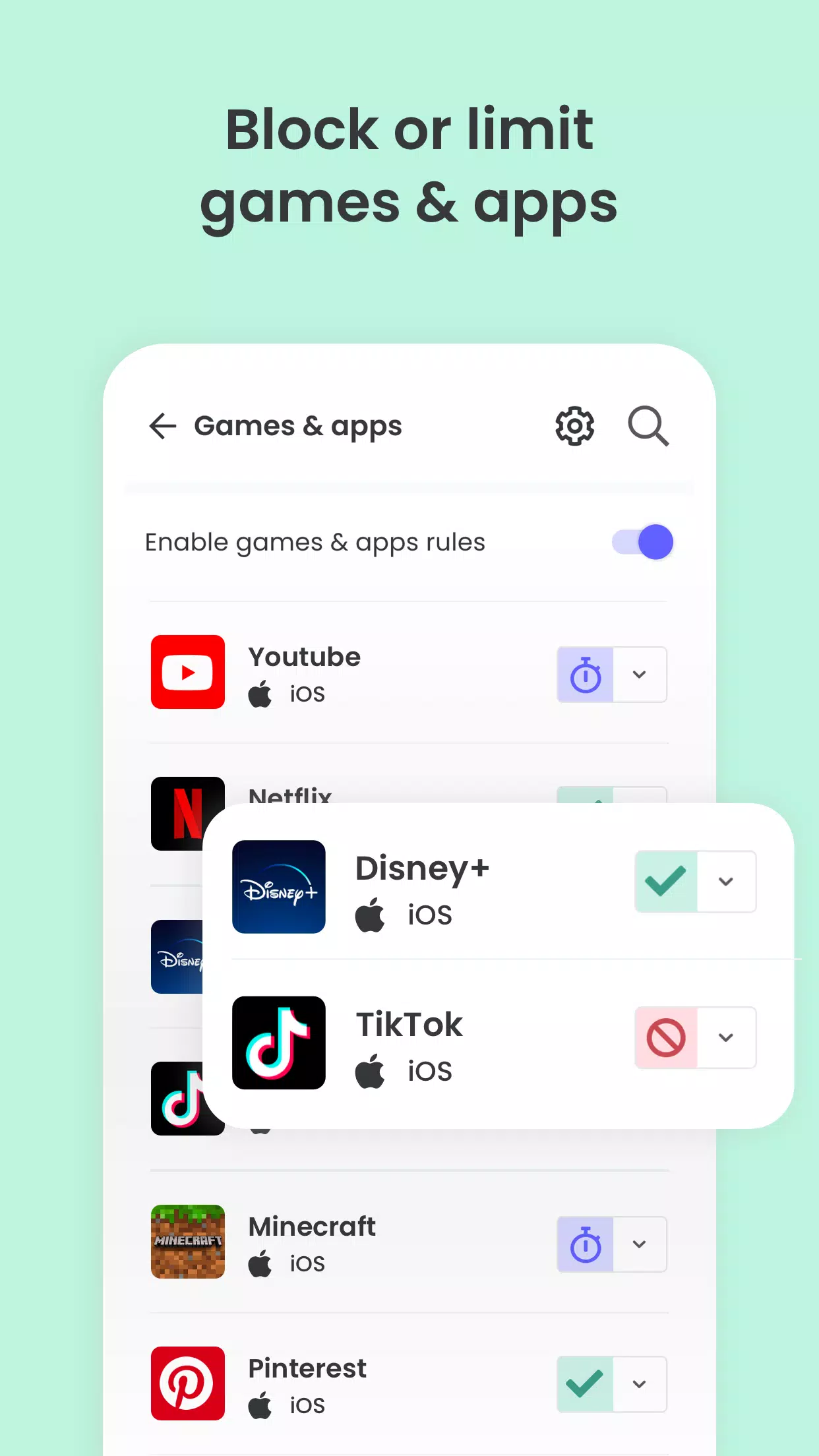
✓ Block games & apps
✓ Enable safe search
Encourage healthy habits
✓ Set daily screen time limits
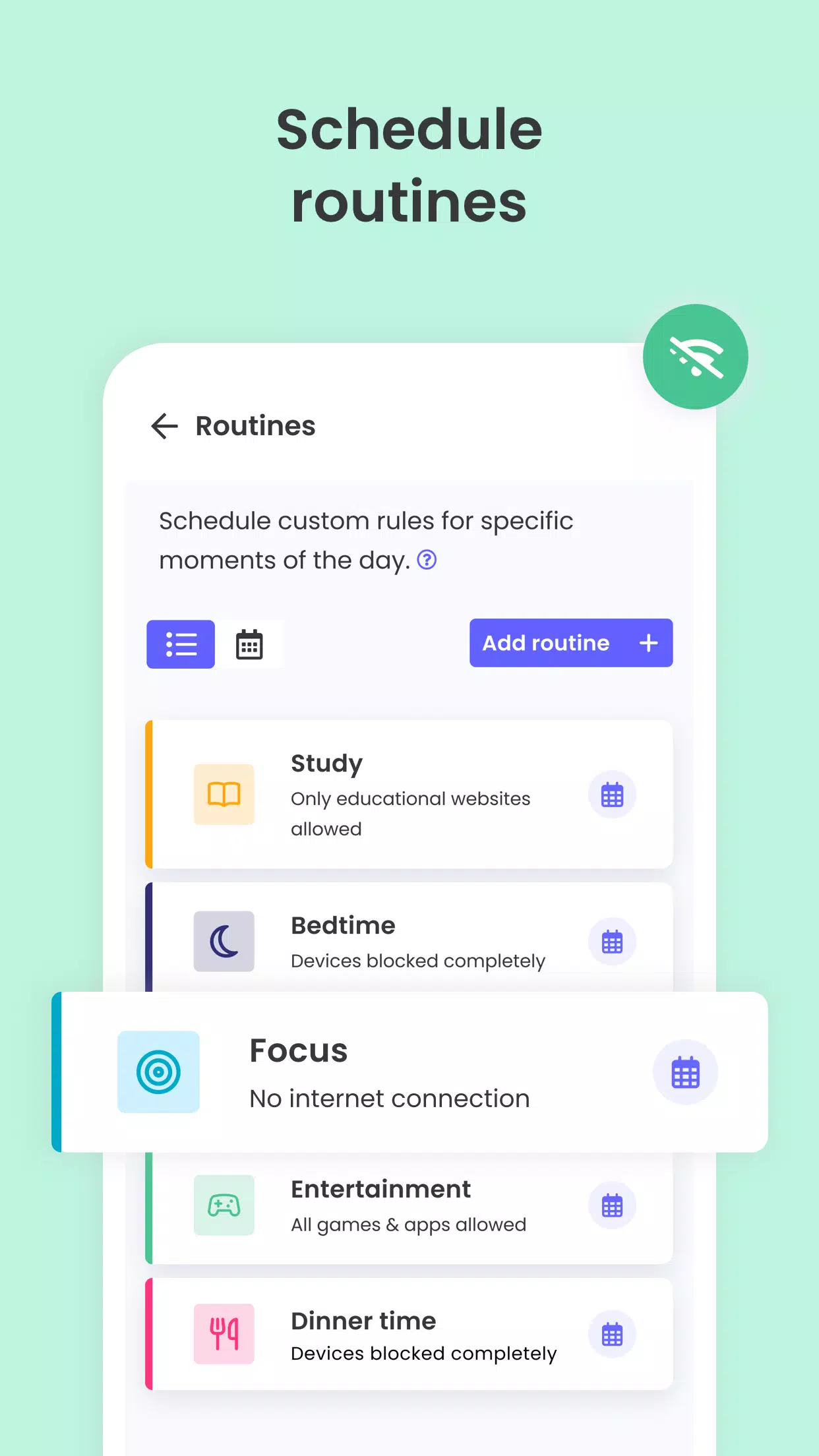
✓ Create time-based restrictions
✓ Pause internet access instantly with one tap
✓ Control game and app usage
Stay fully informed
✓ View 30-day online activity summaries
✓ Receive notifications for new app downloads
✓ Monitor YouTube usage
✓ Track calls and text messages
✓ Co-parenting support: Invite another parent or guardian to help monitor and manage settings
✓ Add an emergency panic button to your child’s device
✓ Install Qustodio on iOS, Windows, Mac, Android, or Kindle for complete screen time oversight
Keep track of your family
✓ GPS location tracking (family locator)
✓ Locate your child’s phone
✓ Follow kids on the go
✓ Share your location
✓ Save frequently visited places
Select Qustodio's free parental control plan, or upgrade to premium for complete access to all tools.
How to safeguard, block, and monitor screen time with Qustodio Parental Control Apps:
1 – Download the Qustodio Parental Control App to your device (such as your phone or laptop), then create an account or log in
2 – Install the Qustodio Kids App on the device you wish to supervise
3 – Log in and complete the quick setup process
4 – Once finished, unsuitable websites will be blocked automatically
5 – To check activity and screen time, use the Qustodio Parental Control App on your parent device or visit your online Qustodio Family Screen Time dashboard (https://family.qustodio.com)
Frequently Asked Questions:
• Does Qustodio Parental Control support Android 8 (Oreo)? Yes.
• Does Qustodio work on platforms other than Android? Qustodio is compatible with Windows, Mac, iOS, Kindle, and Android.
• Which languages are supported? Qustodio is available in English, Spanish, French, Italian, Portuguese, German, Japanese, and Chinese.
For assistance, contact us at: https://www.qustodio.com/help and [email protected]
Important Information:
This app uses the Device Administrator permission. This prevents anyone from uninstalling the Qustodio Family Screen Time App without your consent.
This app uses Accessibility services to deliver a superior device experience, helping users with behavioral disabilities maintain proper access and screen time monitoring—reducing risks and supporting everyday life.
Troubleshooting tips:
Huawei device users: Please disable battery-saving mode for Qustodio to function correctly.
What's New in the Latest Version 182.25.2
Last updated on Oct 25, 2024
Hello Parents!
We’ve rolled out further enhancements and resolved minor bugs to improve your Qustodio experience. We encourage you to turn on auto-updates in the Play Store so both your and your children's apps stay current.
The Qustodio Team