
A fast and easy document scanner for creating professional PDFs. Supports sending faxes and sharing links.
Need a scanner on the go?
Simple Scanner is a PDF scanner app that transforms your phone into a portable scanning device. Scan documents, photos, receipts, reports, and almost anything else. Your scans are saved to your device as images or PDFs. Organize scans into folders and share them through various methods:
- Automatically upload JPG and PDF files to cloud storage
- Backup and synchronize files across multiple devices
- Email, print, or fax
- Share via Dropbox, Evernote, Google Drive, WhatsApp, and more
- Connect directly to your computer via Wi-Fi
- Import PDF files and convert them to JPG
- Add tags for quick and easy file searches
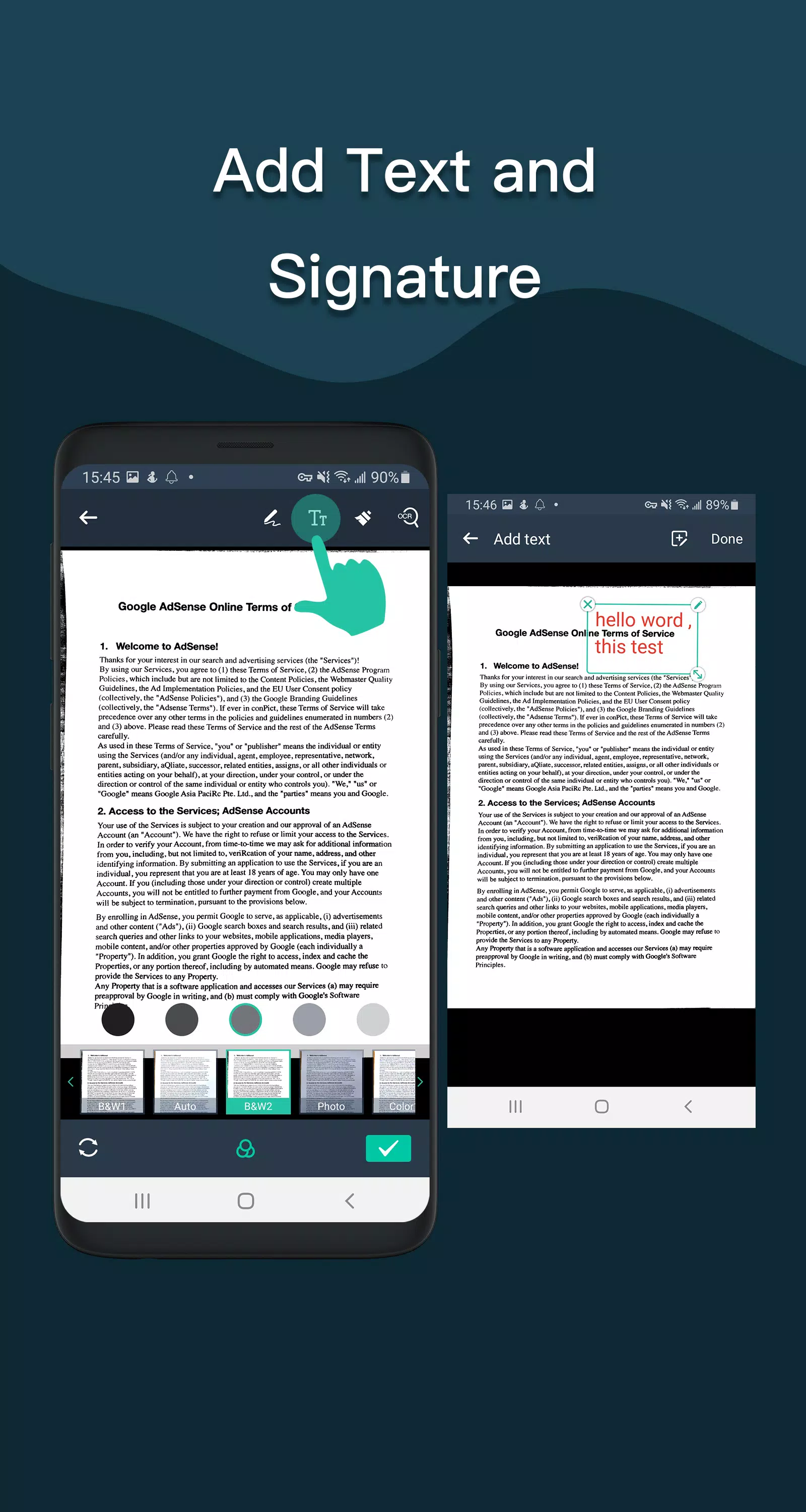
- Supports OCR text recognition for extracting editable text
The Document Scanner app includes all the essential features you need:
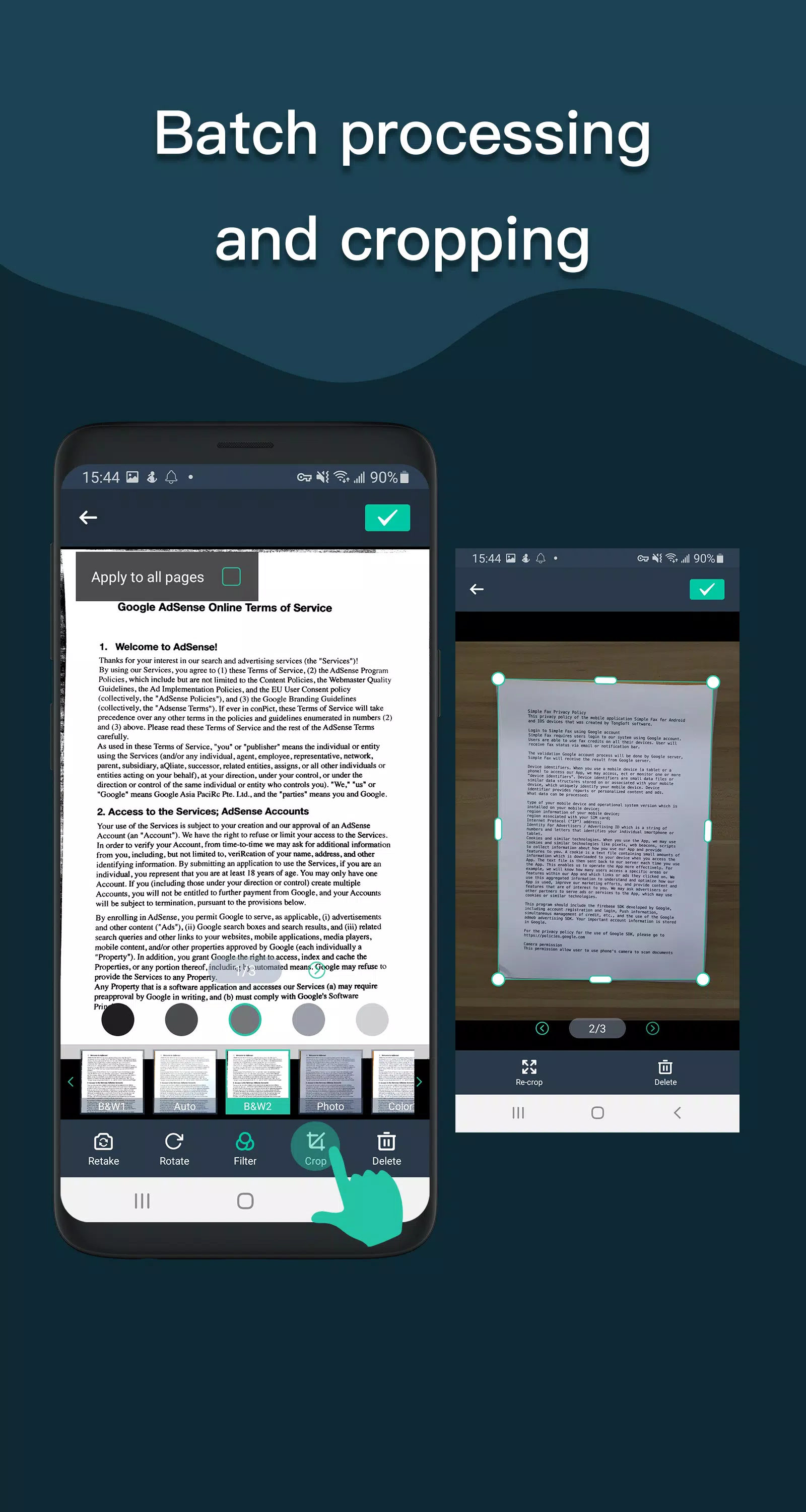
- Automatically remove messy backgrounds from documents to produce high-quality JPEGs or PDFs
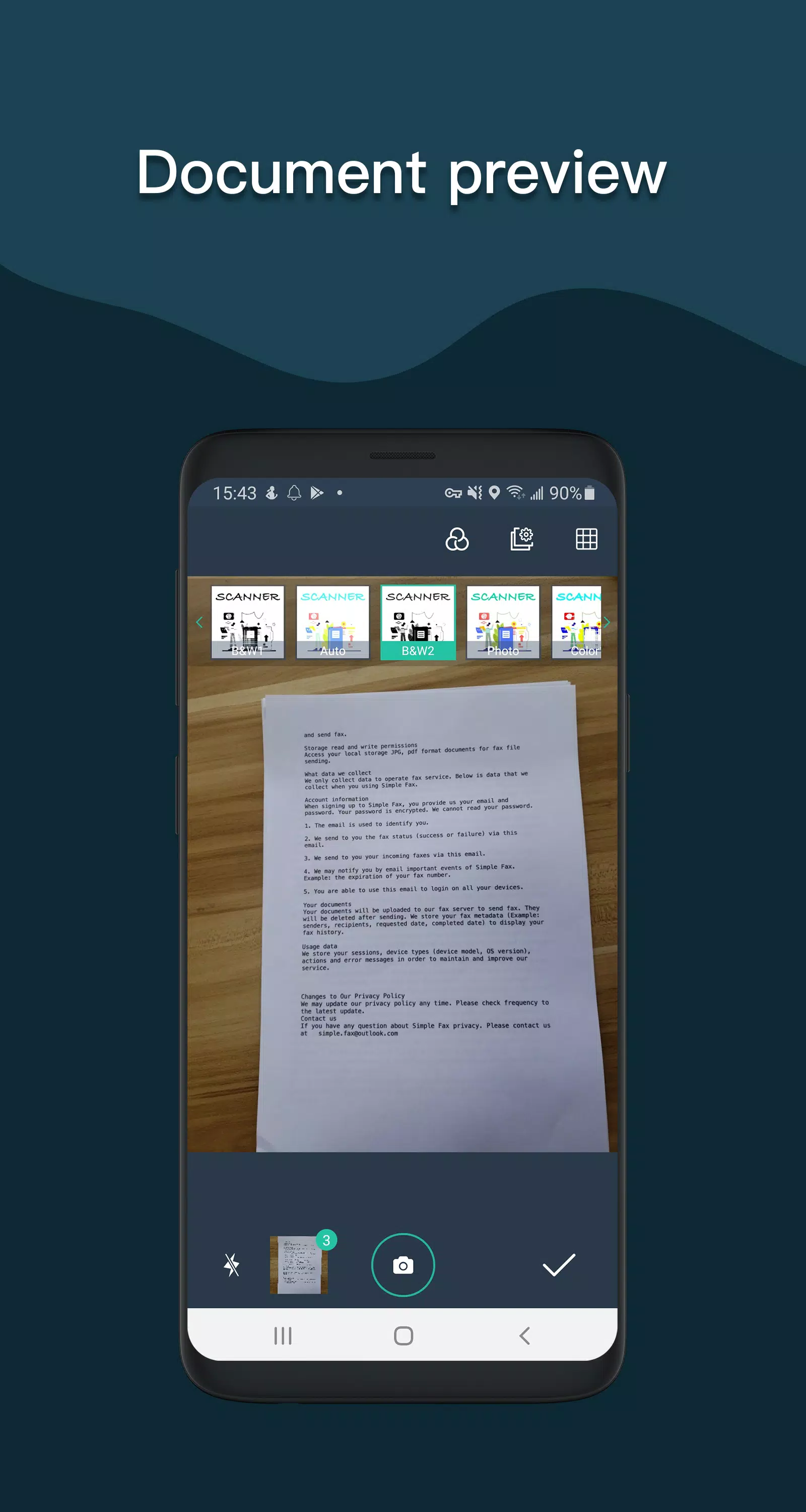
- Multiple image processing modes with manual adjustment options—turn paper documents into clean digital drafts quickly
- Scan in color, grayscale, or black and white
- Perfect for use at the office, school, home, or anywhere else
- Automatically detects page edges for accurate cropping
- Five contrast levels for crisp black and white text
- Set PDF page size (Letter, Legal, A4, etc.)
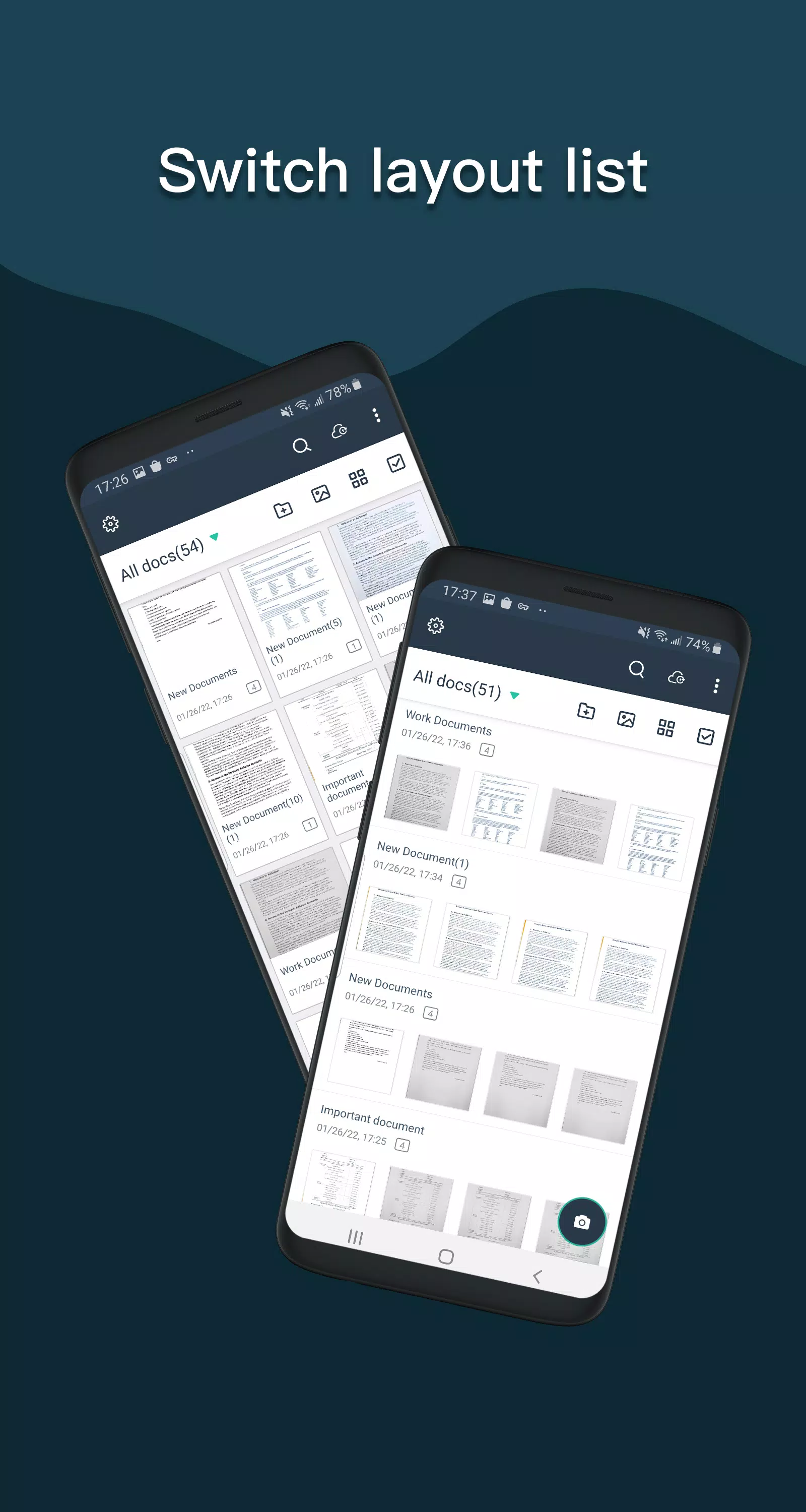
- View files as thumbnails or in a list, sorted by date or title
- Optimized for fast performance
- Quickly search documents by title
- Protect sensitive documents with password encryption
- A single, universal app that works seamlessly on your phone
For Android 11 and above, files are stored in a private directory as per Google's latest storage policy and cannot be modified. For devices running Android 10 or earlier, external storage options remain available.
If you enjoy using Simple Scanner or have feedback, please leave us a review or email us at [email protected]. Your input helps us improve the app and enhance your experience.
What's New in the Latest Version 4.9.9
Last updated on Sep 21, 2024
===V4.9.9===
——Bug fixes
——Improved synchronization speed